EZ Render, Redway, Cycles — which one, when?
Design Flex gives you three ways to turn a design into a picture, and they are not three qualities of the same thing — they are three different tools with three different jobs. Here is the honest map, and the fourth option the preferences dialog cannot offer.
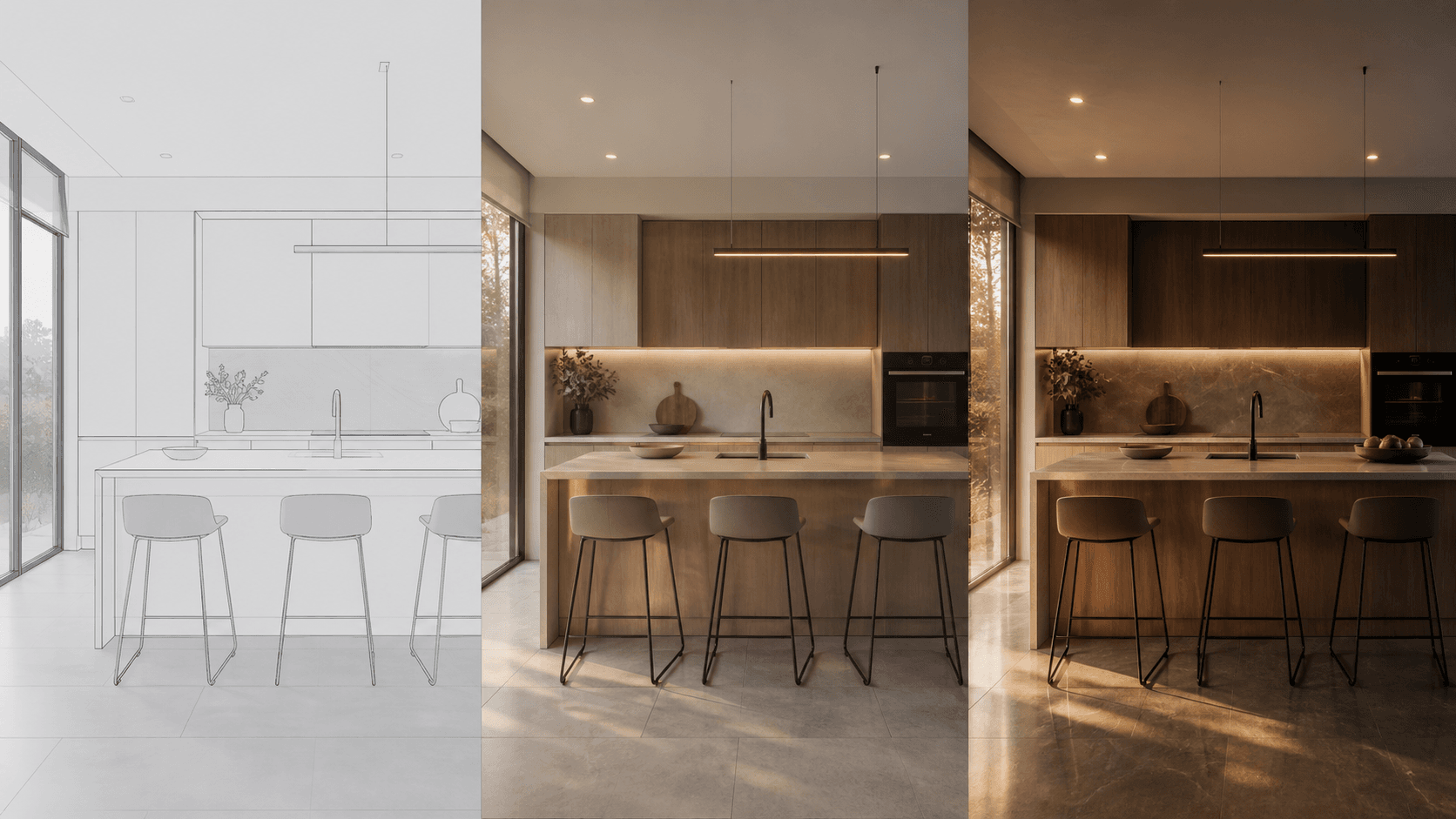
Redway: the workhorse
Redway 3D is the engine behind the classic render modes — the one 2020 Design used for years before anything newer arrived. It is predictable and comparatively quick, and its output looks like what it is: a clean CAD visualization. For a working drawing or a quick check that the room reads correctly, it is exactly enough.
EZ Render: the presentation default
EZ Render arrived with 2020 Design Live as the make-it-look-good button: better light behaviour and materials than the classic modes without a settings safari. It is the right default for everyday client images, and Cyncly’s own guidance on getting the best from it comes down to the same things every renderer wants — real fixtures, sensible camera height, patience at the higher quality steps.
Cycles: the realism option
From version 14.4, Design Flex includes a Cycles engine option — a full path tracer, the same class of renderer the film and archviz worlds use. It is the most realistic of the three by a distance, and the most expensive in time: path tracing earns its realism by simulating light bounce by bounce, and it does that arithmetic on your workstation’s GPU, one image at a time. The better your hardware, the shorter the wait — and that hardware is not cheap.
- Redway
The classic modes. Quick, predictable, CAD-clean.
- Best for
- Working drawings, design checks
- Runs on
- Your workstation, one image at a time
- EZ Render
The presentation default since Design Live.
- Best for
- Everyday client images
- Runs on
- Your workstation, one image at a time
- Cycles (14.4+)
A full path tracer. The realism option.
- Best for
- The image the pitch rests on
- Runs on
- Your GPU — the wait is the bill
- RenderFactor
Cloud path tracing, outside Flex entirely.
- Best for
- Every presentation image, at once
- Runs on
- Cloud GPUs — one per camera, in parallel
Choosing between them
- Checking the design? Redway. Speed wins; nobody frames a working drawing.
- Everyday client image? EZ Render. The quality step up is worth the moderate wait.
- The image the pitch rests on? Cycles — if your machine can afford the render time, and you can afford the machine.
Notice what the ladder is really measuring: every rung buys realism with your computer’s time. That is the constraint all three engines share, and it is a constraint of where the rendering happens, not how good the engine is.
The fourth option: stop rendering on your own machine
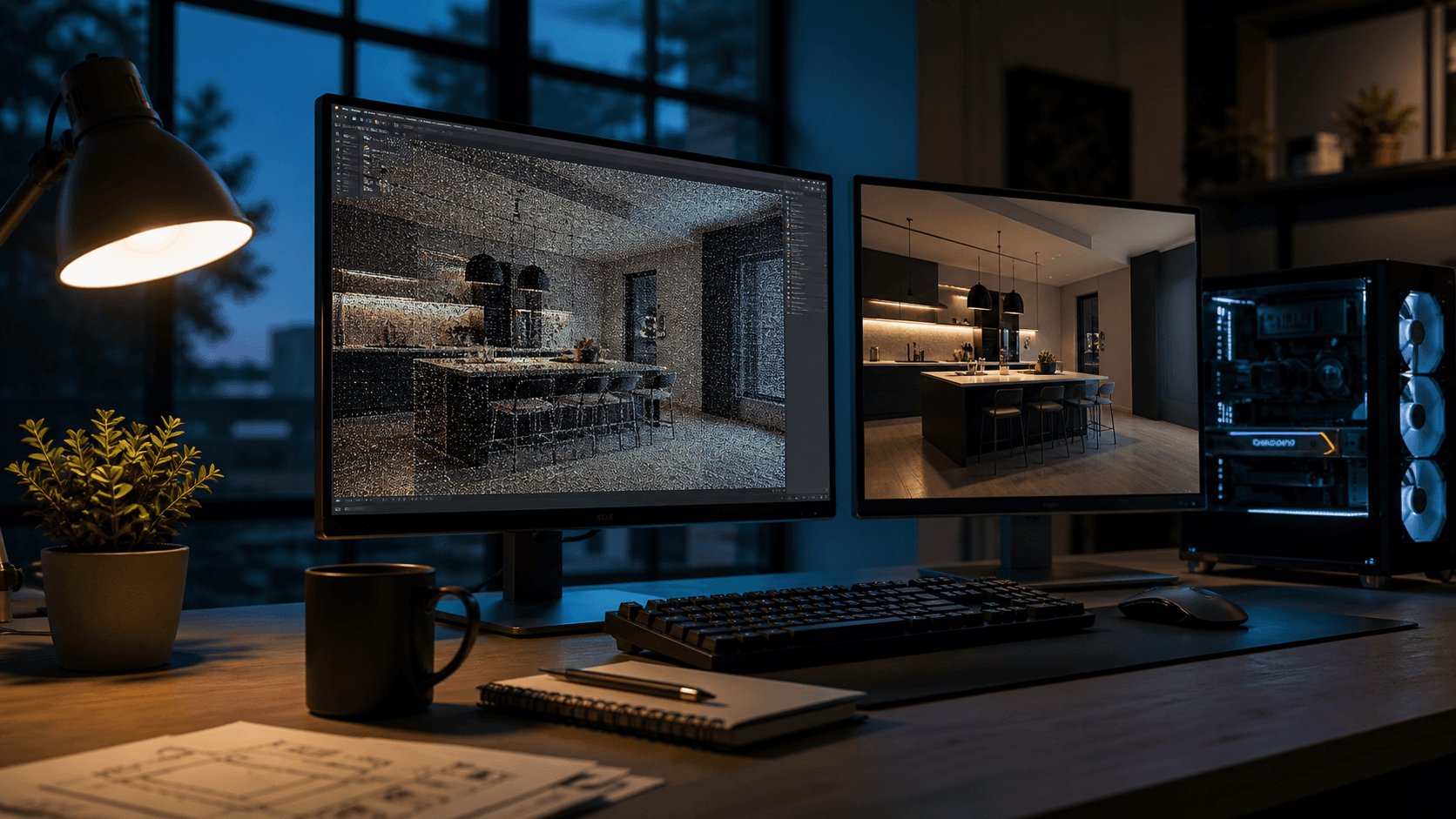
RenderFactor takes the project Flex already exports (Save As → COLLADA, one step) and renders it on cloud GPUs — full global illumination at up to 32 light bounces, at up to 3840 × 2160, every camera on its own machine at the same time, ten seconds to two minutes per image. The model is yours, unmodified; the lighting, cameras and finishes are yours to direct; and your workstation spends the render time designing the next kitchen. Where the three native engines trade your time for realism, this trades neither — that is the whole idea, and the rendering guide covers the rest of it.
Bring your next 2020 project.
Free for 14 days on your own kitchen: render it at every quality and hand a client a live link before you have paid anything. Cancel in one click.
Start free