Cloud rendering for 2020 Design Flex
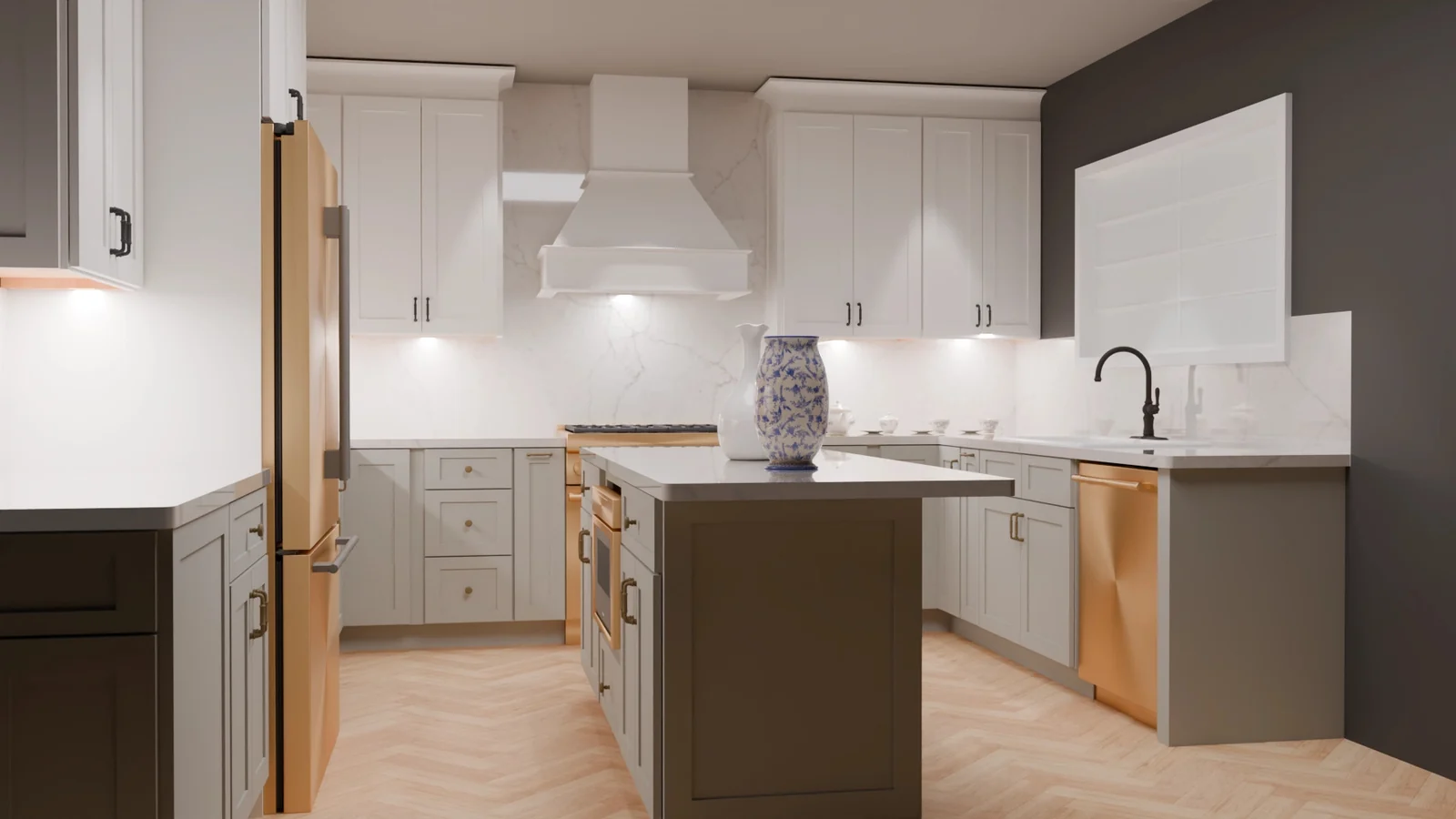
Turn your 2020 design into a photograph.
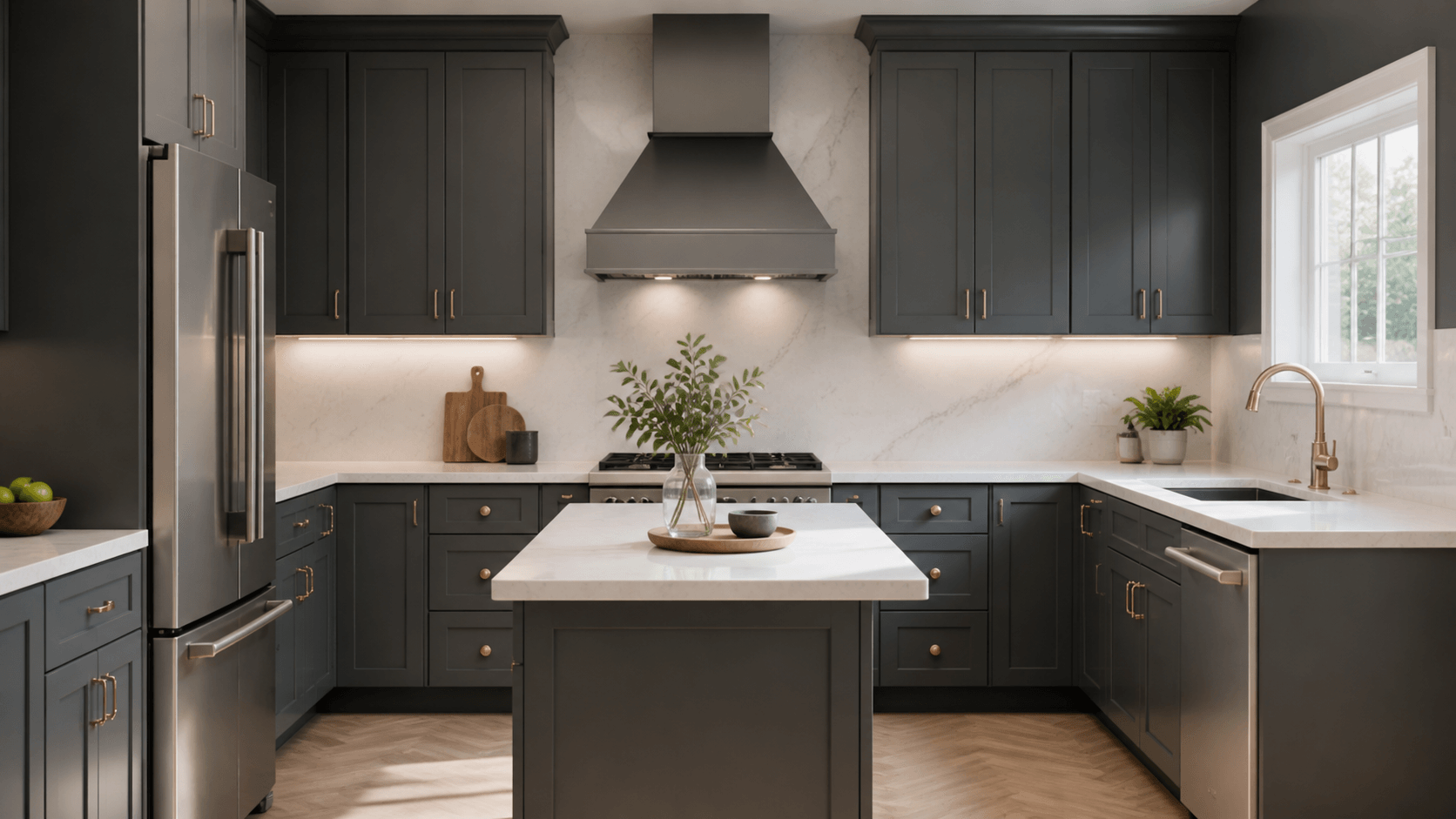
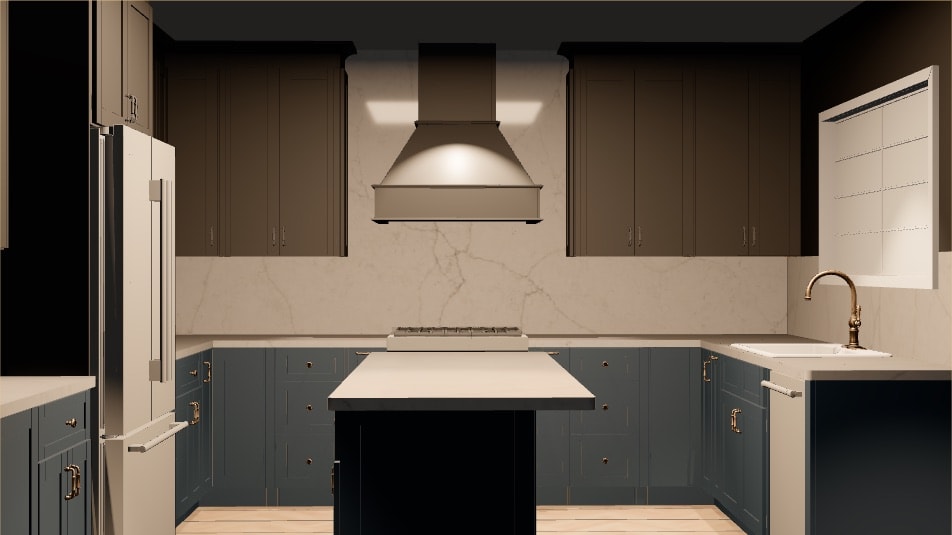
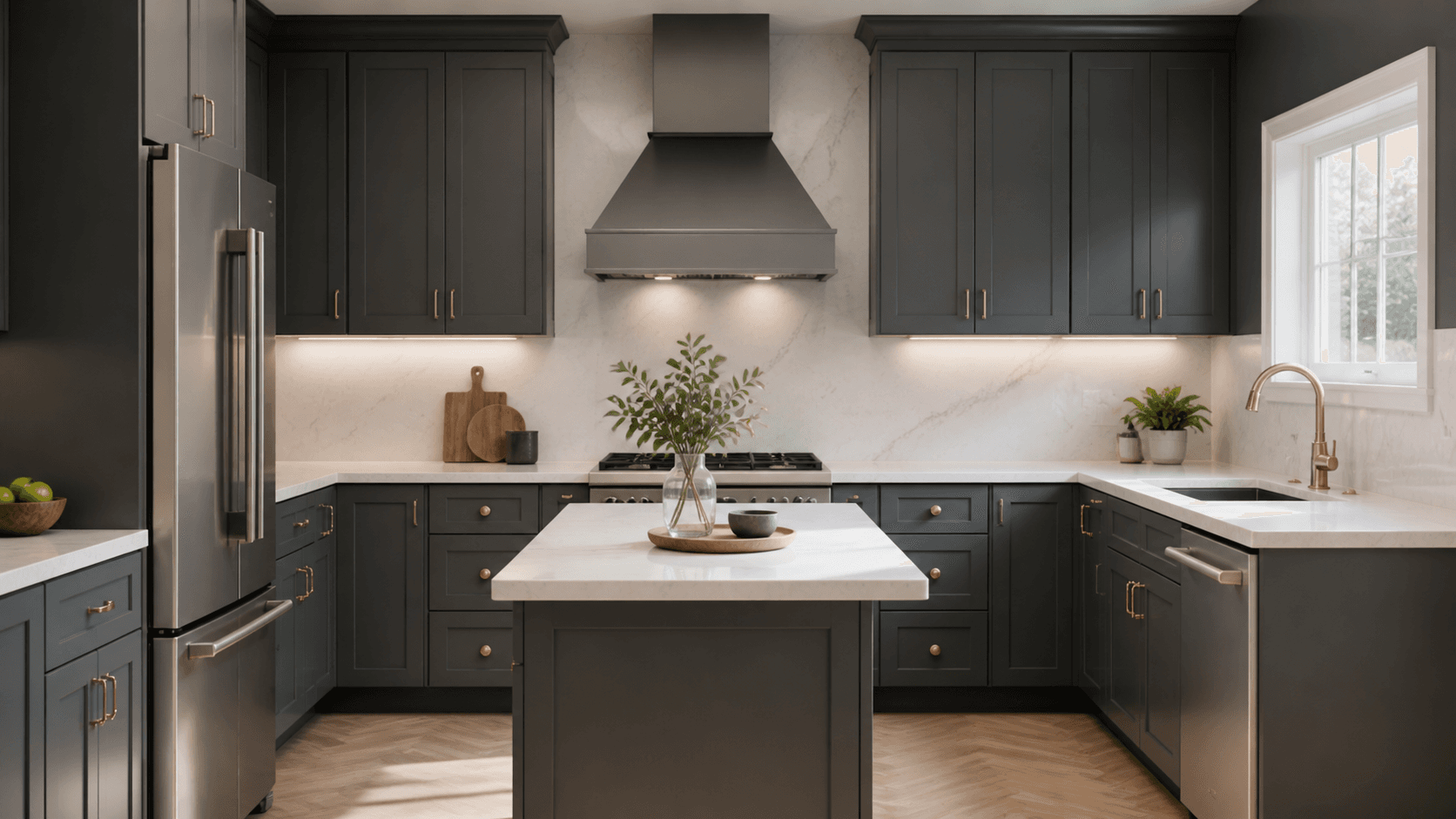
Same project, same camera — before and after RenderFactor. Drag the handle.
Upload the kitchen you’ve already drawn in 2020 Design Flex, choose finishes, décor and light in your browser, and get client-ready images back in minutes. It all runs on our computers, so yours stays free.
Free for 14 days: create an account, upload a 2020 export and render your own kitchen. Cancel in one click.
- Nothing to install
- No graphics card
- Powered by

- ExportSave As COLLADA, in 2020
- UploadDrop the folder in
- FinishMaterials, décor, light
- RenderEvery view, in one press
- DeliverPictures, a PDF, a live link
The kitchen is drawn. Showing it is the hard part.
Think of RenderFactor as a photo studio for the kitchen you’ve already drawn. You bring the room; you choose the finishes, the styling and the light; the photographs come back.
Rendering
Today: One view at a time. Press render, wait a few minutes, press it again.
With RenderFactor: Every view in one press. They render on our machines and land in your gallery as each one finishes.
Your computer
Today: Busy until the last view is finished — and so are you.
With RenderFactor: Free the whole time. Keep designing the next job.
What the client sees
Today: Two or three views, because each one costs you minutes. They imagine the rest.
With RenderFactor: The whole room: every angle, a PDF on your letterhead, and a live 3D link they can turn around themselves.
A better picture
Today: Means a faster workstation, or learning 3D software.
With RenderFactor: Means picking a finish and placing a light. Nothing to buy, install or learn.
- ~30 sa Studio view, measured
- 3840 × 2160at 4K Ultra
- 1 GPUper camera, never shared
- 14 daysfree, cancel in one click
Export to finished render, in five steps.
You keep designing in 2020 exactly as you do now. RenderFactor starts where the export ends and hands back pictures — nothing else changes.
- Documents › 2020 exports › Meyer KitchenSave As → COLLADA36 items
- Meyer Kitchen.dae2.4 MB
- cab_shaker_charcoal.jpg1.1 MB
- quartz_calacatta.jpg2.8 MB
- oak_herringbone.jpg1.9 MB
- brass_satin.jpg412 KB
- 31 more textures
- app.renderfactor.com/designs
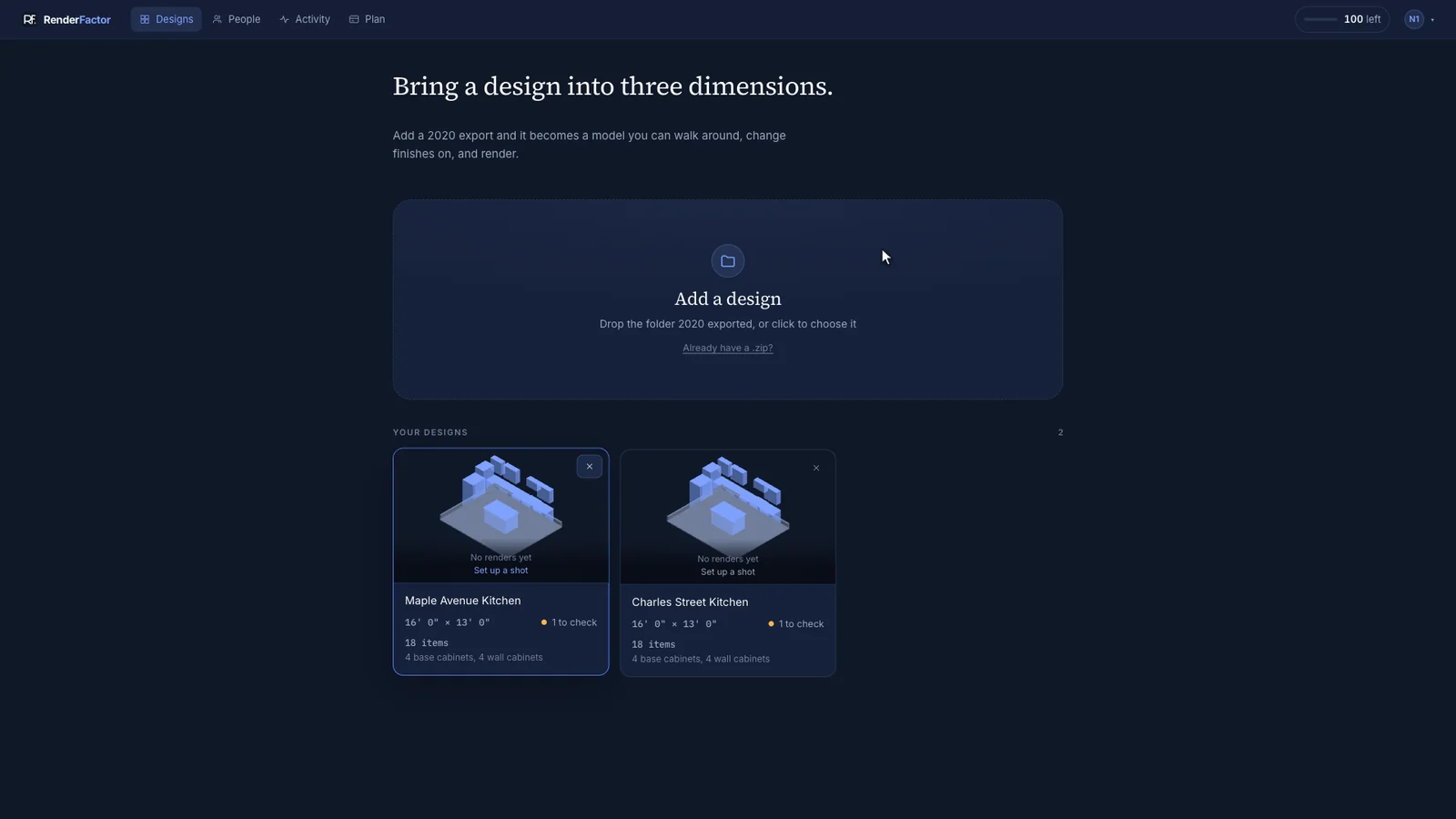
- app.renderfactor.com
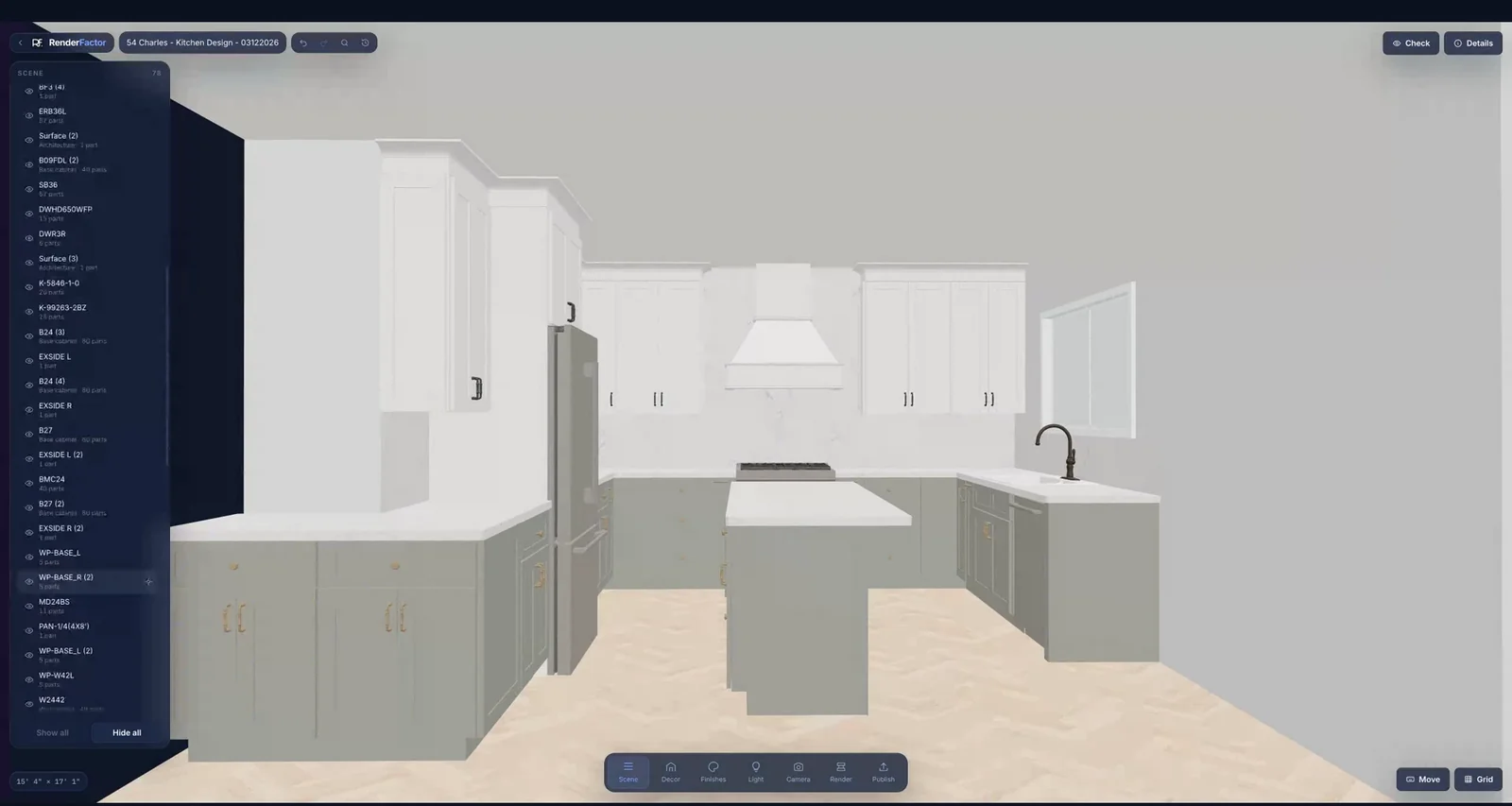
- app.renderfactor.comRender queue5 cameras · 1 batch
- Perspective — islandComplete
- Elevation — sink runComplete
- Perspective — entryRendering
- Detail — backsplashReady
- Elevation — tall unitsReady
- app.renderfactor.com/gallery
 PNG · 3840 × 2160PDF · your letterheadLive 3D link
- Meyer Kitchen.dae2.4 MB
- cab_shaker_charcoal.jpg1.1 MB
- quartz_calacatta.jpg2.8 MB
- oak_herringbone.jpg1.9 MB
- brass_satin.jpg412 KB
- 31 more textures
No training required.
If you can save a file and open a folder, you already know how to use it. No course, no manual, no settings page to get wrong.
Easy and natural to use.
Pick a finish, point a camera, press Render. Every control is one a designer already understands from the room itself.
Matches your workflow.
You keep designing in 2020 exactly as you do now. RenderFactor starts where the export ends and hands back pictures.
Makes everything 10x easier.
No render machine to babysit, no plugin to break on the next 2020 update, and your computer is free while the pictures are made.
See how easy it is on your own kitchen — free for 14 days. Start free
The export step, click by click: how to export from 2020 Design Flex.
Images your client won’t take for a drawing.
Rooms that look lit, surfaces you can read across the table, and metal that behaves like metal.
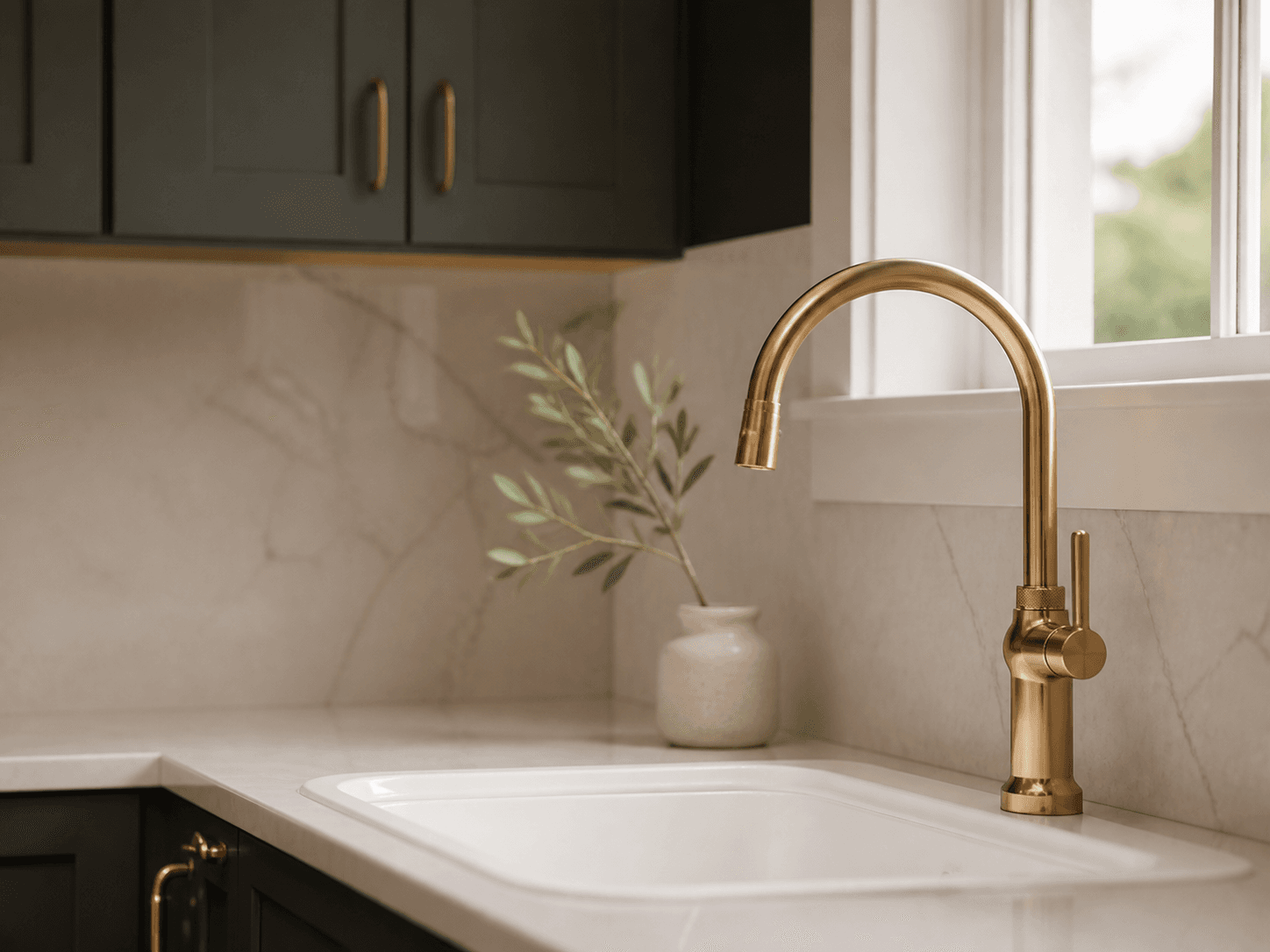
Brass that looks like brass. 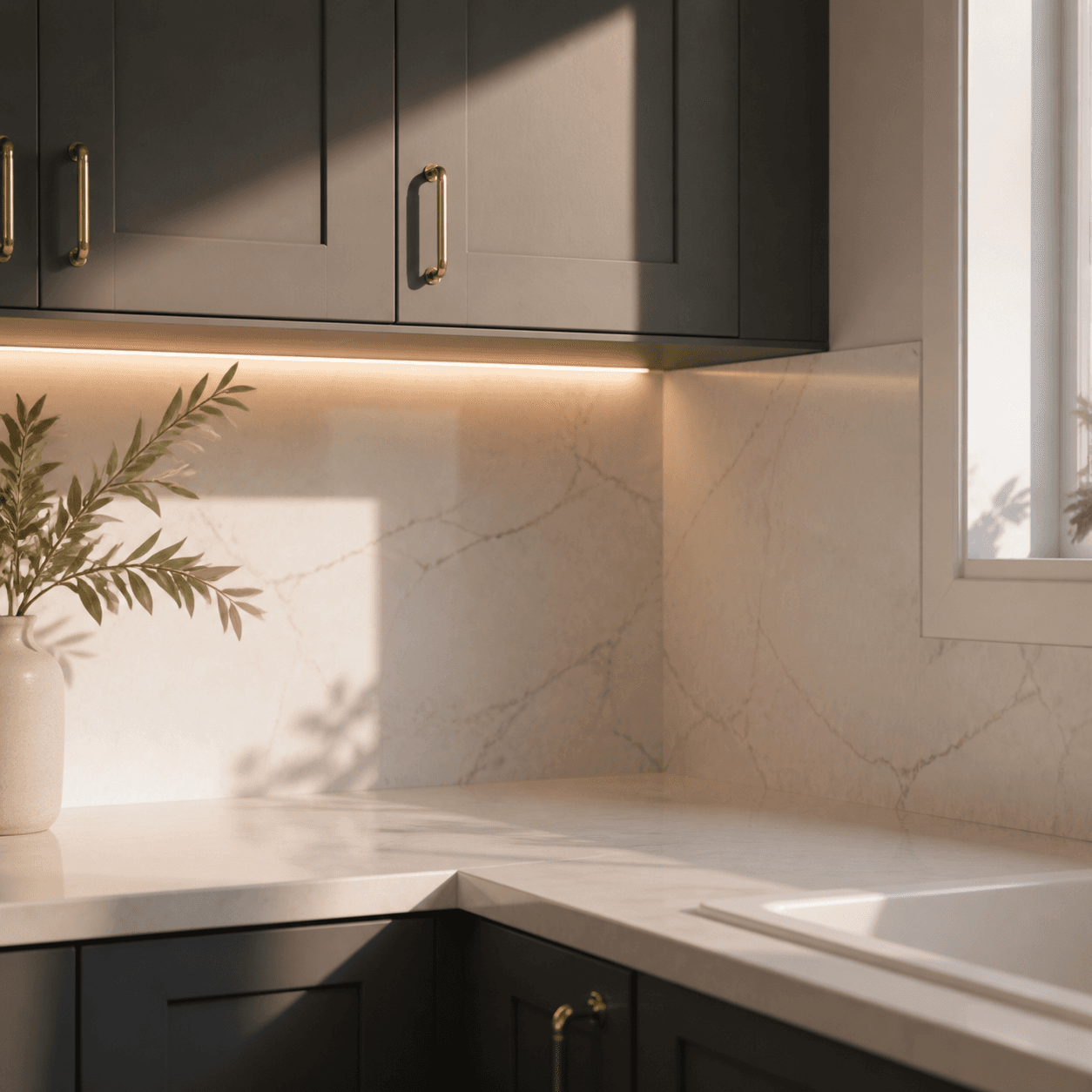
Rooms that look lit, not shaded. 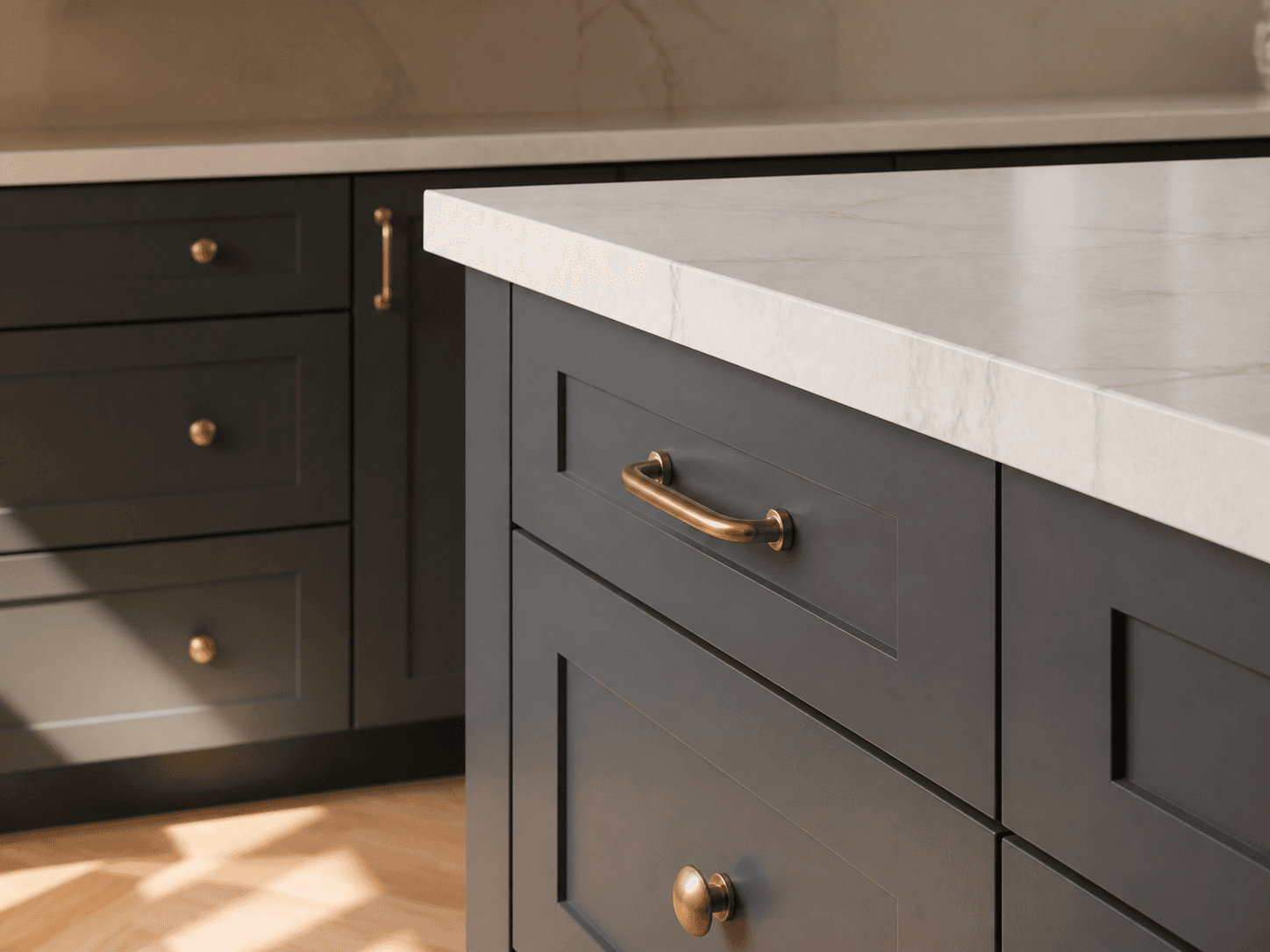
Materials you can read. 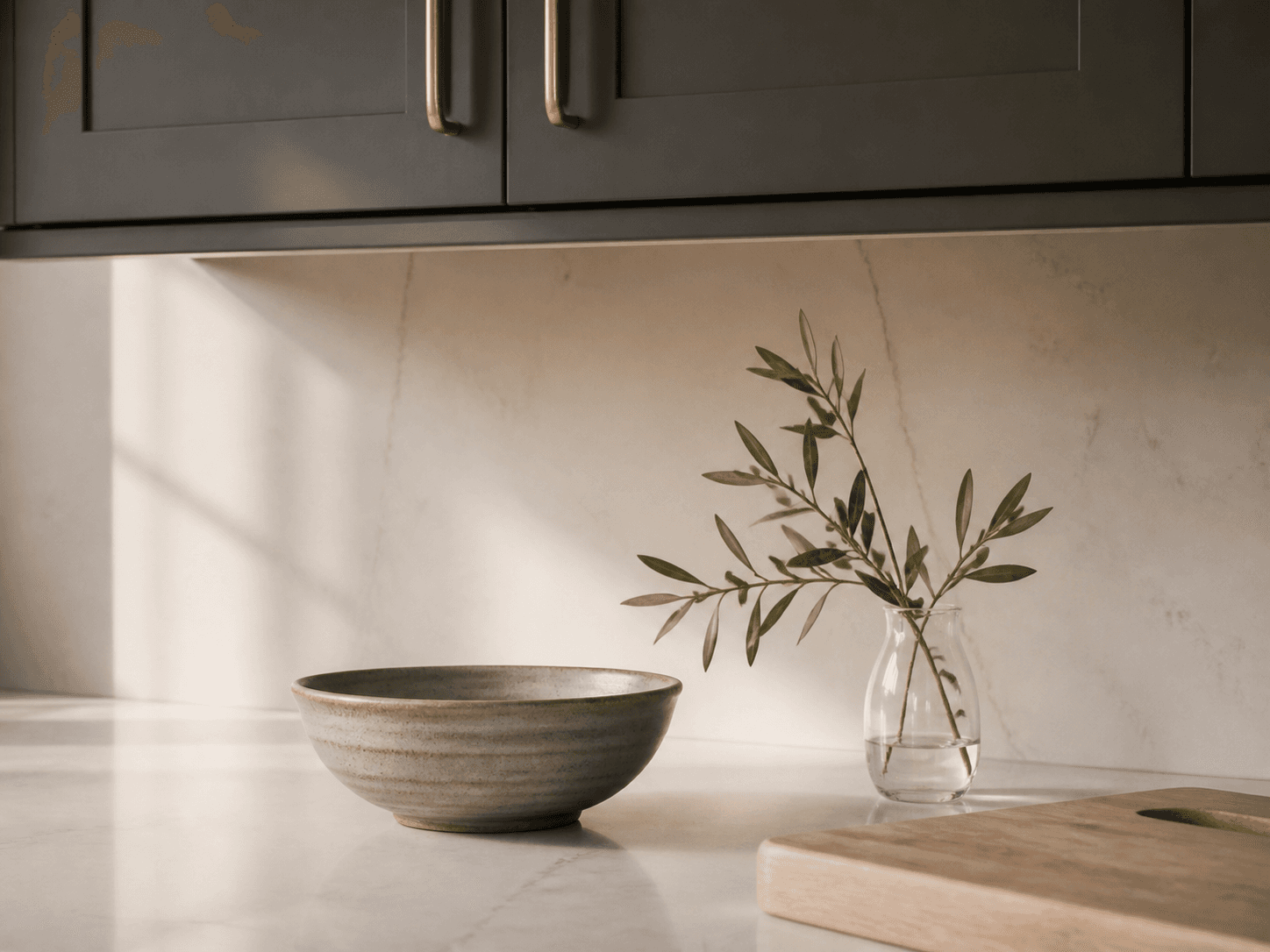
A room that looks lived in.
Same cabinets, same dimensions, same finishes as your export — what survives the trip, exactly.
Add. Style. Light. Frame.
Four questions a designer already asks — what belongs in the room, how the surfaces should feel, where the light comes from, which views explain the design. RenderFactor handles the rendering behind them.
- Style
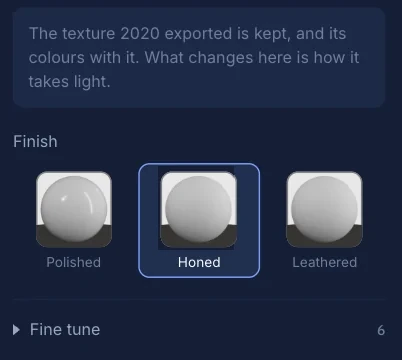
Every surface, in any colour or pattern you like.
2020 gives you the finishes your catalogue happens to carry. This gives you the range: ten substances, every one tintable to any colour you can point at, and 616 patterns — grain, veining, grout, weave — each with real relief and sheen, laid at its true size.
- Paint, metal, glass, stone, ceramic, wood, laminate, fabric
- Sixty patterns authored by us, seam-free and de-lit
- Thirteen fine-tune controls, from shine to grain direction
- The exported finish is always one click back

Natural straight oak
Wood

Smooth porcelain
Tile

Smooth concrete
Concrete

Linen
Fabric

Cathedral oak
Wood

Mottled porcelain
Tile

Mottled concrete
Concrete

Cotton
Fabric

Rift oak
Wood

Handmade glaze
Tile

Fine cement
Concrete

Linear laminate
Laminate

Dark veined stone
Stone

Dark fine terrazzo
Terrazzo

Terry towel
Fabric

Beige limestone
Stone

Tight upholstery
Fabric

Gray limestone
Stone

Coarse upholstery
Fabric

Vein-cut travertine
Stone
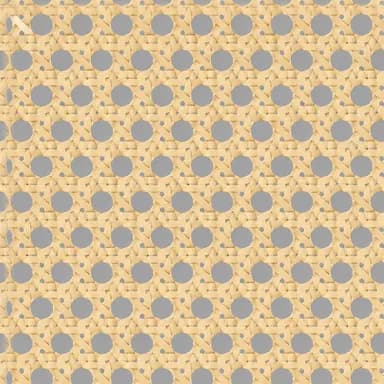
Cane weave
Fabric

Cross-cut travertine
Stone

Rattan weave
Fabric

Fine granite
Stone

Beech
Wood

Pine
Wood

End grain
Wood

Gray fine speckle
Stone

Restrained vein
Stone

Fine white veined stone
Stone

Ivory fine terrazzo
Terrazzo

Fine plaster
Plaster

Neutral speckled laminate
Laminate

Bold white veined stone
Stone

Ivory coarse terrazzo
Terrazzo

Limewash
Plaster

Fiber laminate
Laminate

Cream veined stone
Stone

Gray mixed terrazzo
Terrazzo

Waffle towel
Fabric

Straight walnut
Wood

Crackle glaze
Tile

Microcement
Concrete

Figured walnut
Wood

Terracotta
Tile

Maple
Wood
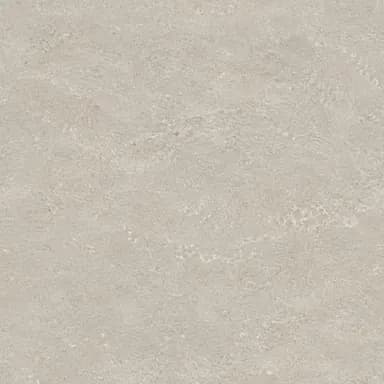
Stone-like porcelain
Tile

Birch
Wood

Concrete-like porcelain
Tile

Cherry
Wood

Unglazed ceramic
Tile

Ash
Wood

Basket weave
Fabric

Coarse granite
Stone

White fine speckle
Stone

Warm fine speckle
Stone

Charcoal fine speckle
Stone

Cloudy mineral
Stone
- Add
Style the room, don’t just build it.
770 models across fifteen categories — seating, tableware, plants, vessels, lighting, wall art, bath, appliances. Drop one onto a counter and it arrives at real-world size, carrying its own materials. Every one was checked by hand for scale, materials and licence before it went in.
A real model from the library, turning in your browser.

Potted Plant 04
Plants

Brass Pot 01
Tableware

Wooden Stool 01
Seating

Ornate Mirror 01
Wall

Tea Set 01
Tableware

Modern Ceiling Lamp 01
Lighting

Ceramic Vase 01
Vessels

Wicker Basket 01
Vessels
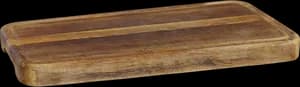
Wooden Cutting Board
Tableware

Bar Chair Round 01
Seating

Hanging Industrial Lamp
Lighting

Marble Bust 01
Accents

Brass Goblets
Tableware

Planter Pot Clay
Plants

Wall Clock
Wall

Dining Chair 02
Seating

Antique Ceramic Vase 01
Vessels

Vintage Electric Kettle
Appliances

Wooden Bowl 01
Tableware

Lantern Chandelier 01
Lighting

Metal Stool 02
Seating
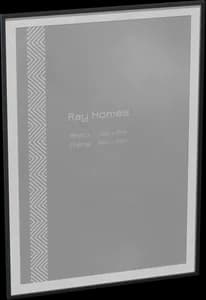
Hanging Picture Frame 01
Wall

Brass Vase 02
Vessels

Alarm Clock 01
Accents
- Light
Set the mood in watts and kelvin.
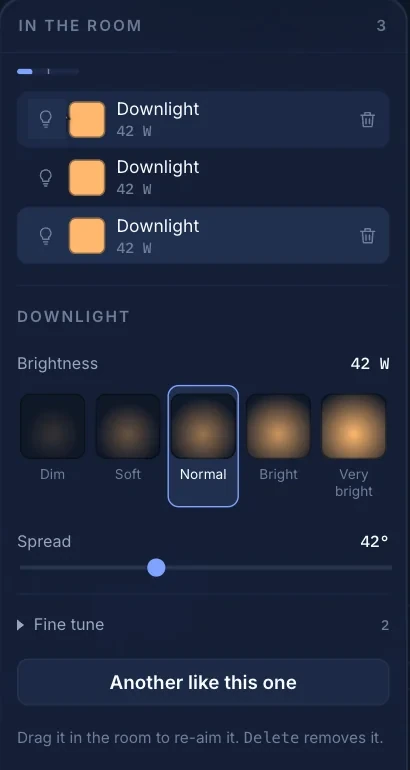
Four fixtures — downlight, panel, under-cabinet strip, accent — placed by clicking where the light should land. Brightness in watts, passed to the renderer unchanged; colour from candle to daylight; a meter that says how lit the room really is.
Colour temperature- Candle2200K
- Warm3000K
- Neutral4000K
- Cool5000K
- Daylight6500K
- 5–200 W per fixture, 1800–8000 K per fixture
- Under-cabinet runs grouped, one click per row
- Adding a light never dims the others
- Frame
What you frame is what renders.
True focal lengths from 12 to 200 mm, camera height from the floor to standing, depth of field from f/1.4 to f/32, and a switch that keeps verticals straight. Save as many shots as you like; every saved shot re-renders after any design change.
Lens- Wide 18
- Room 24
- Natural 35
- Close 50
- Detail 85
Height- Low 0.6 m
- Counter 0.95
- Seated 1.2
- Eye 1.5
- Standing 1.65
ViewportWhat rendersOne rectangle, not two. The viewfinder is the render’s own frame, so nothing appears at the edges that you did not put there.

The full spec — lenses, wattages, colour temperatures — is written down.
High-end rendering hardware, without buying any.
Every view you send gets a data-centre GPU of its own, for as long as it takes, and your computer stays free. Images land one at a time as they finish; if one fails it retries on its own and the rest of the batch carries on.



RenderFactor times are measured on our machines on a real kitchen, and are the figures the app shows before you press render. 2020 Flex times are what a designer sees rendering a presentation-quality view on a laptop, and depend on the room.
Why this is fast, in full: the 2020 Design rendering guide.
Three things, ready to send.
Pictures at the size the job needs, a document on your letterhead, and a live 3D link your client opens in any browser. None of it is metered except the pictures.
- Studio · 1920 × 1080The pictures
Three qualities. Pick by what it’s for.
- Draft1280 × 720~10 s
- Studio1920 × 1080~30 s
- 4K Ultra3840 × 2160~2 min
Studio and 4K Ultra also save a 16-bit master and a scene-linear EXR, so a shot can be graded months from now without rendering it again.
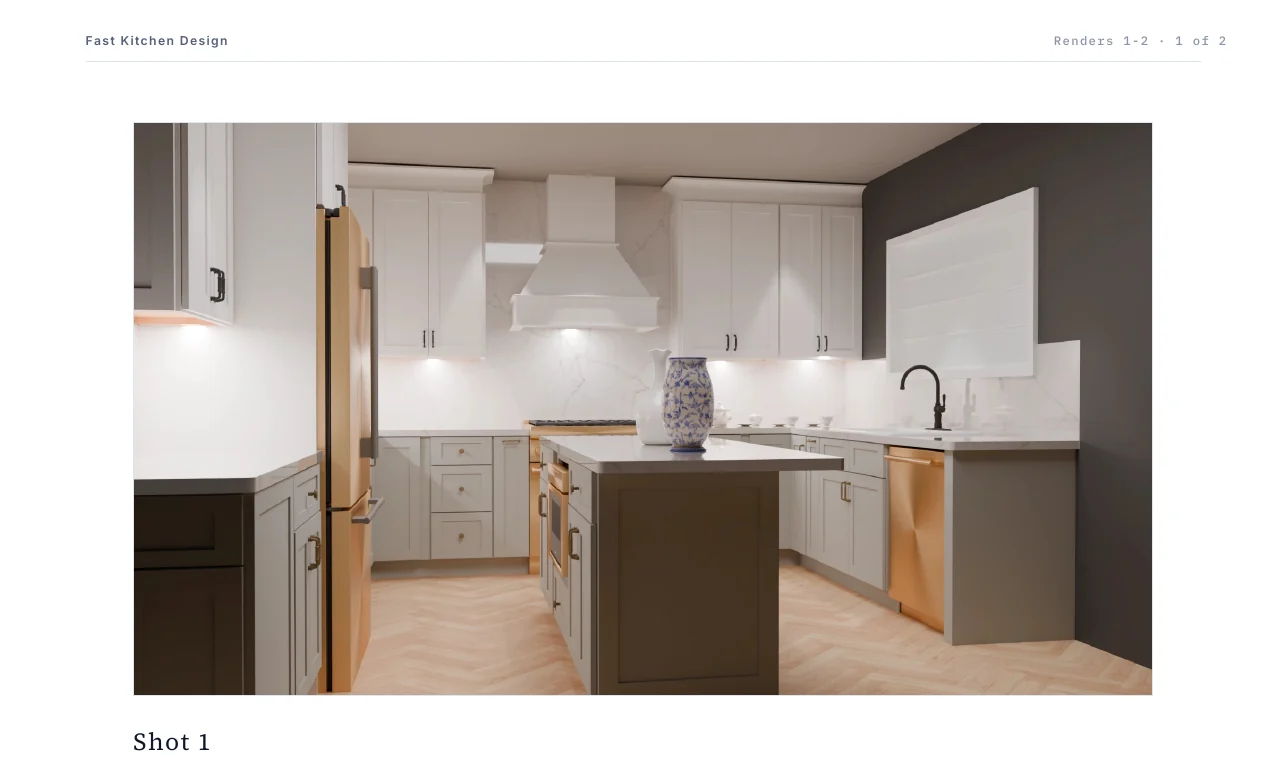 PDF · Letter or A4The document
A PDF a showroom sends as it is.
Choose the views and a layout — a one-page summary, a numbered selection the client replies to, or a full presentation deck — and it comes out on your letterhead, in your brand colour, with nothing about rendering on it.
Documents are never charged for. Only rendered images count.
- designs.yourpractice.com/p/…
 Meyer Kitchen Design(555) 010-2020Live 3DOrbit · Zoom · Saved viewsThe live link
Hand the client the kitchen, not a picture of it.
One press of Publish freezes the design at a clean link. No account, nothing to install: they orbit and zoom the real model, with your name and number on the page.
On Pro and Max the page carries no RenderFactor branding and can live on your own domain. How it works.
More client presentations out of the same week.
Every hour a designer spends watching a render is an hour they are not designing — on a machine you bought for the purpose. Moving that work off their desk gives you both back.
- Designer 15/6
- Designer 24/4
- Designer 35/8
Eighteen views, three people, all started together. Illustrative — what is true is that the rows advance at the same time, not one after the other.
No waiting on a machine
The queue runs elsewhere. Whoever started it is already on the next room.
Everyone renders at once
Batches from different designers run side by side, not behind each other.
No hardware to refresh
Rendering is why design machines get specified upwards. A laptop that runs 2020 runs the whole job.
Nothing new to learn
No rendering software to train on, and no plugin to roll out.
The presentation itself is a page of its own: the live client link.
Kitchen, bath and interior designers in 2020 Design Flex.
If your version of 2020 can save as COLLADA, it works — 2020 Design, 2020 Design Live and Design Flex alike. There’s nothing to install, and nothing to update when 2020 ships a release.
Not the right tool for projects drawn in other design software — it is built and tested for 2020’s export only — or for walkthrough videos: it makes still images, PDFs and live 3D links.
- A 2020 Design Flex project
- A COLLADA export, with its textures
- A browser
- A GPU
- A rendering workstation
- A rendering plugin
- Rendering experience
The presentation is tomorrow.
Send every view of the kitchen tonight and they are finished before you have written the email. Drop them into a PDF on your letterhead and it is ready to send.
The client can’t picture the finish.
Change the island to walnut and render the same shots again. Your cameras are saved, so nothing is set up twice — show both and let them choose.
They want to show someone at home.
Publish a live 3D link. They open it on any phone or laptop, with no account, and turn the real kitchen around themselves.
Priced per seat. Nothing else is metered.
One card for the practice, a seat for each designer, and every seat carries its own images. Every plan starts free: 14 days to render your own kitchen at every quality and put it in front of a client, and nothing is charged until the trial ends.
Starter
For occasional work. Draft and Studio quality.
$49/ seat / month
First 14 days free
- 100 Draft images a month
- 50 Studio images a month
- No 4K Ultra images
- Fast Renders
- 30 days of history
- 5 live client links
- Client pages on view.renderfactor.com
- Most popular
Pro
For a working designer. Adds 4K Ultra and renders twice as fast.
$99/ seat / month
First 14 days free
- 200 Draft images a month
- 100 Studio images a month
- 50 4K Ultra images a month
- 2x Faster than Starter
- 90 days of history
- 20 live client links
- Client pages on your own domain, unbranded
Max
For a busy studio. Four times the speed and a year of history.
$149/ seat / month
First 14 days free
- 400 Draft images a month
- 200 Studio images a month
- 100 4K Ultra images a month
- 4x Faster than Pro
- 12 months of history
- 40 live client links
- Client pages on your own domain, unbranded
Prices in US dollars, per seat, billed monthly. Moving up a plan or adding a seat starts immediately and is charged for the days remaining; moving down takes effect at your next renewal. 4K Ultra renders at 3840 × 2160, Studio at 1920 × 1080, Draft at 1280 × 720.
- What is a seat?
- One designer. Each seat carries its own images, its own speed and its own client links — two designers on Pro have twice the Pro numbers, not the Pro numbers shared. Everyone in the practice can open every project; a seat is what lets somebody render.
- What happens when I run out?
- The three kinds of image are counted separately and do not swap: running out of Studio images does not stop you making Drafts. You can render fewer cameras, wait for the month to reset, or move up a plan — an upgrade tops the month up immediately and is charged for the days remaining.
- How does the free trial work?
- Every plan starts with 14 days free: 10 Draft and 3 Studio images per seat and 1 live client link, enough to render one of your own kitchens at every quality and put it in front of a client before you have paid anything. A card is taken when you begin so the plan can carry on without a break; nothing is charged until the trial ends, and cancelling before then, from the Plan screen, is one click. Ready sooner? Start the plan on any day and a full month's images are yours at once.
- Can I cancel?
- Yes, in one click, from the Plan screen. The plan keeps working until the end of the period you have paid for and is not renewed. Your projects, models and finished renders stay where they are.
- What is never charged for?
- Projects, uploads, storage and PDF exports. Only rendered images are counted, and only against the seat that rendered them.
- What does the client see?
- A live 3D page at a clean link, with your practice's name and details on it. On Pro and Max the page carries no RenderFactor branding and can be served from your own domain.
Before you start.
Can I try it before I pay?
What do I upload?
Does it work with Design Flex and 2020 Design Live?
Does it preserve my 2020 model exactly?
Does it change my 2020 project?
Do I re-upload for every change?
Can I use my own furniture models?
What renders my project?
What resolution do I get?
How long does a batch take?
What if a render fails?
What does my client see?
What happens to my client's data?
Is RenderFactor part of 2020 Technologies?
The long answers.
Everything a buyer asks before trusting a service with a client’s kitchen, written down with the code that makes it true.
- 2020 Design renderingEngines, the workstation ceiling, and what the cloud changes.Read
- Better 2020 rendersWhy 2020 renders look dark or flat, and what fixes each cause.Read
- EZ Render vs Redway vs CyclesDesign Flex’s three renderers, compared honestly.Read
- Hardware for renderingWhat a render-capable machine costs, and the alternative.Read
- Exporting from 2020Save As → COLLADA, click by click, with the folder rule.Read
- 2020 Design to BlenderThe manual route, and what it takes to walk it.Read
- Live client linksA live 3D page against a packet and a panorama.Read
- What survives the exportEvery triangle as authored — and the two things that are not.Read
- Cameras, lighting, materialsLenses, wattages and colour temperatures, written down.Read
- Your dataWho holds the bytes, for how long, and who can see them.Read
Bring your next 2020 project.
Made for designers who would rather keep designing.
Free for 14 days on any plan. Upload your kitchen, render it at every quality and hand a client a live link before you have paid anything. Cancel in one click.