2020 Design rendering, explained — and how to go beyond it.
Every kitchen you sell is sold with a picture, and in 2020 Design Flex the picture comes from a renderer. This page is the map: what the renderers inside Flex actually are, why render quality and render time are a hardware problem before they are a settings problem, and what changes when the rendering happens in the cloud instead of on the computer you design on.
RenderFactor is an independent product and is not affiliated with or endorsed by 2020 Technologies or Cyncly. Everything said here about Design Flex comes from Cyncly’s own public documentation.
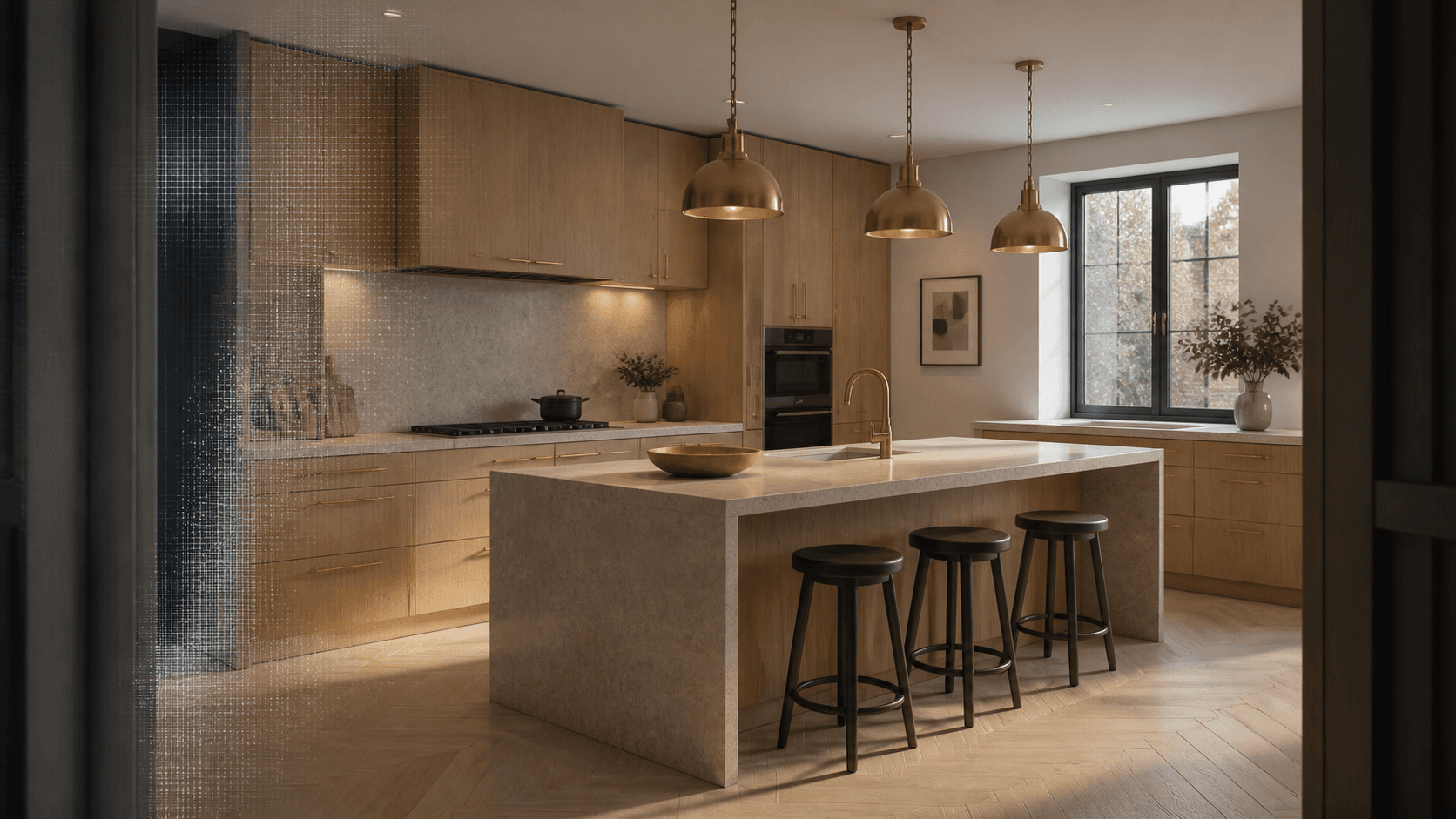
- 32light bounces at 4K Ultra — full global illumination
- 3840 × 2160at 4K Ultra — the top quality is the size it says
- 1 GPUper camera — every view renders at once
- 16-bit + EXRmasters beside every Studio and 4K Ultra image
The renderers inside 2020 Design Flex
Design Flex ships more than one way to render. The names you will meet in the preferences and the support articles are Redway (the long-standing engine behind the classic render modes), EZ Render (the newer in-app renderer introduced in 2020 Design Live), and — from version 14.4 — a Cycles engine option for higher-fidelity output. They differ in speed and realism, and choosing between them is its own question: EZ Render vs Redway vs Cycles walks through it.
What all three share is the machine they run on: yours. However the settings are tuned, the picture is computed by the workstation or laptop under your desk, one image at a time, while you wait to get back to designing.
Where the workstation ceiling is
Three limits arrive together on a local render, and no setting moves them far:
- Hardware. Path-traced realism is a GPU workload, and a render-capable laptop is a four-figure purchase that is obsolete in three years. The support queue’s most-read pages are system requirements and graphics-card advice for a reason — see what computer 2020 rendering needs.
- Time. One machine renders one image at a time. Five cameras is five waits in a row, on the same computer you need for the next design.
- The export itself. 2020’s materials are flat photographs — the grain and grout are painted on and catch no light — and its lighting is built for design work, not for photography. Better settings sharpen the picture; they do not add surface response that was never in the file. The details are in making 2020 renders look better.
What cloud rendering changes
A cloud renderer — a render farm, if you grew up calling it that — moves the computation off your desk. RenderFactor is that, built specifically for 2020 Design Flex: you export your project the way Flex already exports (Save As → COLLADA), drag the folder in, and the rendering happens on server GPUs. Four things change at once:
- 1ExportSave As → COLLADA, in Flex
- 2Uploaddrag the folder into a browser
- 3Finishfinishes, décor, light, cameras
- 4Renderevery camera at once, on cloud GPUs
- 5SharePDFs and a live 3D link
- Hardware stops being your problem. Every image renders on an NVIDIA L4 in a datacenter, with full global illumination — up to 32 light bounces, at up to 3840 × 2160 at the top quality — settings a laptop cannot sit through. Your computer stays free, and there is no plugin.
- Cameras render in parallel. Each camera gets its own machine, so a five-camera batch takes about as long as one camera: roughly ten seconds to two minutes per image depending on quality.
- The scene gets finished, not just re-rendered. Real lighting fixtures with physical brightness and colour temperature, a curated décor library, and per-surface finishes that keep your exported materials and add the surface response the export couldn’t carry — every mesh still exactly as 2020 wrote it, with full camera, lighting and material control.
- The picture has somewhere to go. Finished images become client-ready PDF documents, or a live 3D link a client opens in any browser with no account — the actual model, not a stitched 360° panorama.
A render of your kitchen, not a picture of a kitchen
A growing number of tools will generate a beautiful kitchen image from a prompt or a photo. The trouble is contractual: what the client approves has to be what gets built. A generated image reimagines the room — cabinets drift, dimensions lie, the finish on the door is nobody’s SKU. RenderFactor renders the model 2020 wrote: every cabinet you placed, at its real dimensions, wearing the finish you chose. The picture is beautiful because the rendering is good, and accurate because it was never redrawn.
Where to start
If your renders are the bottleneck, start with what you can fix inside Flex today — it is free and it works. When you hit the ceiling, the export path is one step (the export guide), and the fork after it is yours: the do-it-yourself route for designers who enjoy the craft, or the trial, which renders your own kitchen at every quality — with your client’s data staying yours the whole way through.
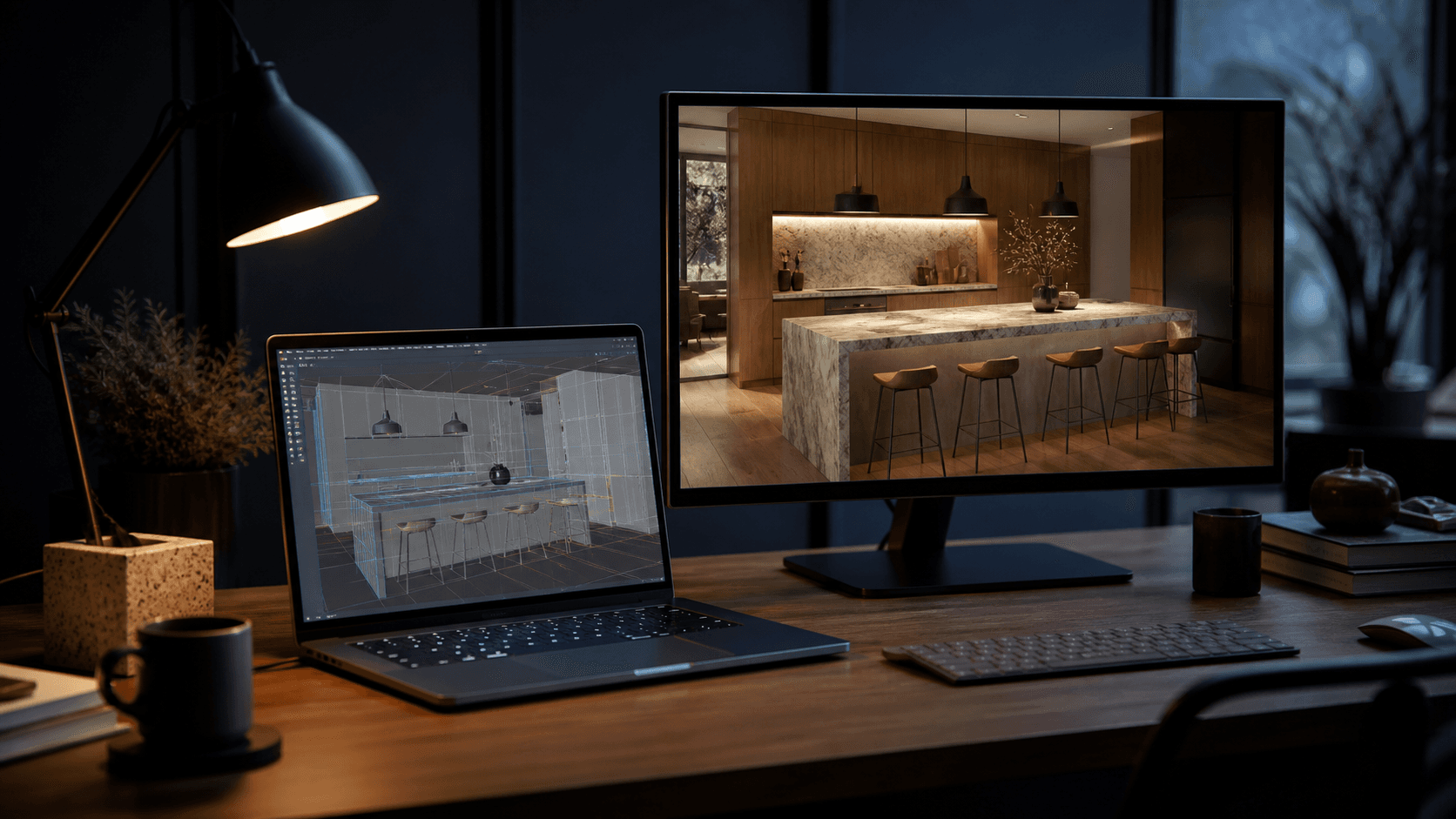
Bring your next 2020 project.
Free for 14 days on your own kitchen: render it at every quality and hand a client a live link before you have paid anything. Cancel in one click.
Start free