Hand your client the kitchen, not a picture of it.
Every presentation format for a kitchen design is an answer to one question: how close can the client get to standing in the room? A printed packet shows them views you chose. A 360° panorama lets them look around from spots you chose. A live 3D link hands them the room itself.
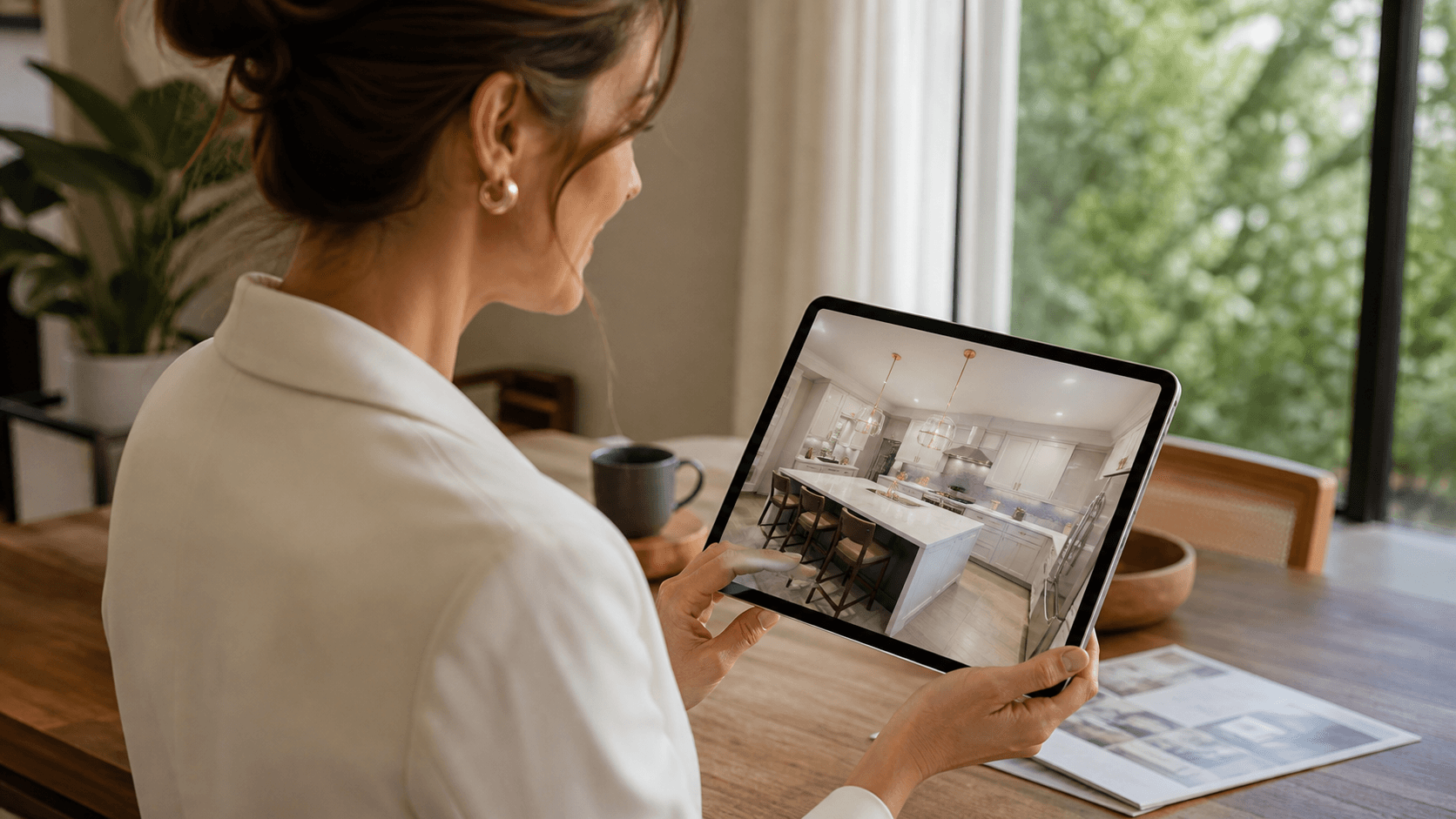
The presentation ladder
- Stills and packets. The classic deliverable — 2020 users know it as the Presentation Packet. Full control of what the client sees, zero freedom for the client to look again at the thing they are unsure about.
- 360° panoramas. A real step up, and widely offered. But a panorama is photography stretched around fixed points: the client spins in place at the spots that were rendered, the perspective distorts toward the seams, and the space between viewpoints doesn’t exist. It answers “what does it look like from here?” — not “what does it look like from where I’d actually stand?”
- The live model. The actual 3D kitchen in the browser: true perspective from any angle, every angle, because nothing was pre-rendered from anywhere. The client orbits and zooms the real room — the island from the doorway, the sightline from the table — and the questions in their head get answered by looking, not by requesting another view.
What a RenderFactor link is
A designer presses Publish and gets a clean URL. The client opens it in any browser — phone included — with no account and nothing to install, and finds the real model under the practice’s own letterhead: name, phone, logo, live from your profile. They orbit and zoom freely, and jump between the views you saved, so your composition still leads the tour.
- Private by its address. The link is an unguessable ~100-bit slug, kept out of search engines, and deletable at any time — after which it answers nothing.
- Frozen where it matters. The design on the link is fixed at publish, so what the client approved stays what they approved, even as you keep working.
- Yours on Pro and Max. The page carries no RenderFactor branding and can be served from the practice’s own domain. Plans include 5, 20 or 40 live links per seat.
- Comparing options. Publish one link per option with a label under the title — “Option A — oak island”, “Option B — walnut” — and the client flips between two tabs of the real thing.
- No accountfor the client — any browser, phone included
- ~100 bitsof slug — the address is the credential
- 5 / 20 / 40live links per seat, by plan
- Your domainand no RenderFactor branding, on Pro and Max
Where it fits in the week
The link is the conversation-stage deliverable; the cloud renders are the decision-stage one — and they come from the same upload, with the model exactly as 2020 wrote it and your cameras and lighting on both. Client data stays the practice’s throughout: who owns what, plainly.
Bring your next 2020 project.
Free for 14 days on your own kitchen: render it at every quality and hand a client a live link before you have paid anything. Cancel in one click.
Start free