Make your 2020 Design renders look better.
Most disappointing renders out of 2020 Design Flex have one of four symptoms — too dark, grainy, blurry, or simply too slow to be worth re-running. Each has a real fix inside Flex, and each also has a ceiling. This page gives you both: what to change today, and what no setting will change.
First: check which engine you are rendering with
Design Flex ships more than one renderer — Redway, EZ Render, and from version 14.4 a Cycles option — and half of all “my renders look flat” complaints are really “I am on the fast engine.” The trade-offs are their own topic: EZ Render vs Redway vs Cycles. The short version: the more realistic the engine, the longer your machine is occupied — which is the trade this whole page is about.
Renders come out too dark
A dark render is almost always a lighting-rig problem, not an exposure problem. 2020’s scenes are lit for design work, and rooms without enough placed fixtures fall into shadow the moment a realistic engine takes over from the flat viewport shading.
- Add real fixtures where a builder would: recessed cans on the work lines, not just the room center light the catalog dropped in.
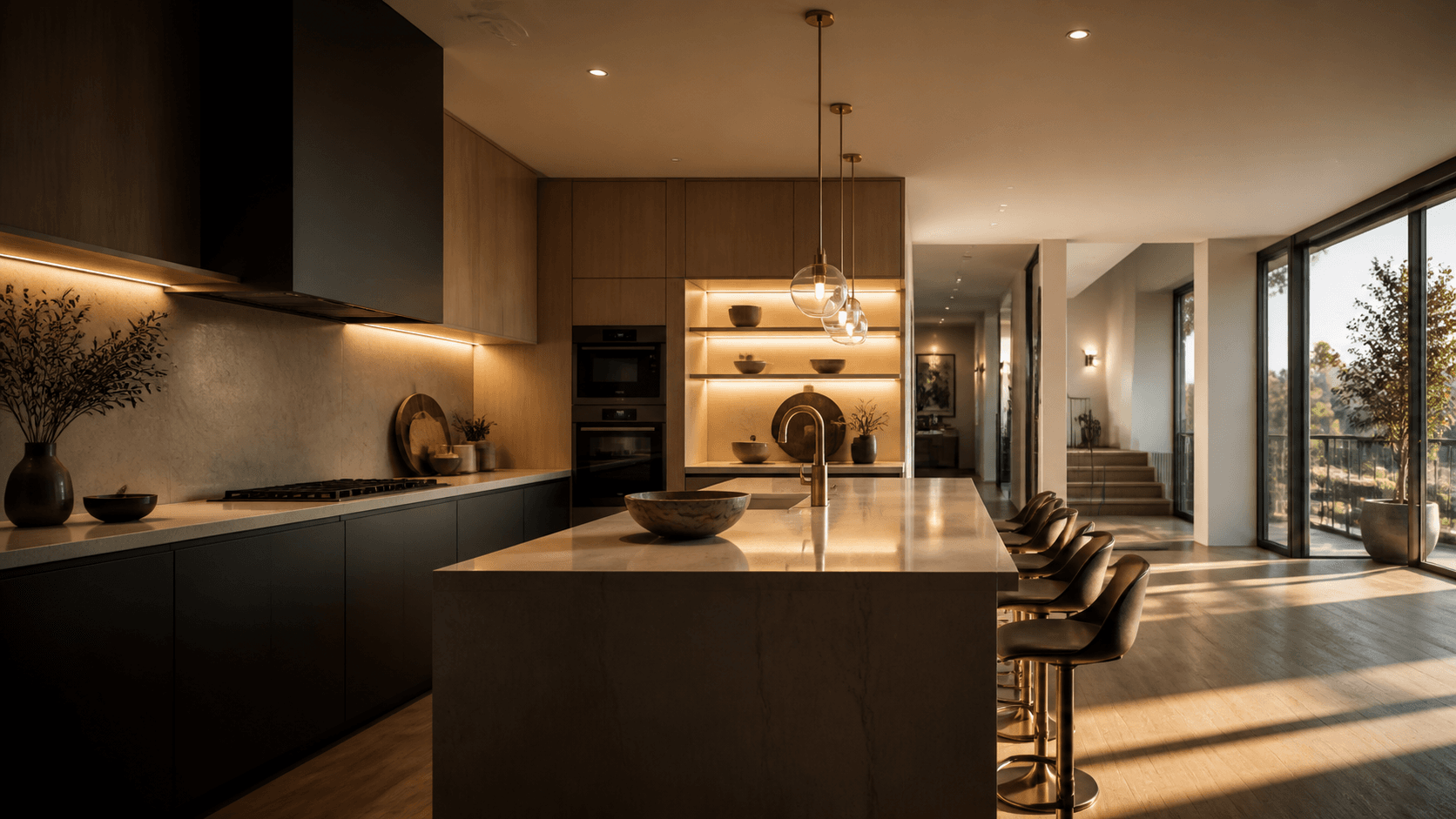
- Under-cabinet lighting changes kitchen renders more than any other single light — the counter is the stage of the whole picture.
- Warmer isn’t dimmer: raising colour temperature to fake brightness washes the wood tones. Fix quantity of light first, colour second.
Renders come out grainy
Grain is unfinished path tracing: the renderer ran out of samples before the noise averaged out. More samples means longer renders — on one machine that trade is linear and unforgiving. Raising quality settings, letting the render run longer, and rendering at the final size rather than upscaling all help; so does more light, since dim scenes are noisy scenes.
Renders come out blurry or soft
Three usual causes: rendering at a small resolution and enlarging it afterwards (always render at delivery size), aggressive denoising smearing fine texture (back it off and give the render more time instead), and camera effects — depth of field where you wanted the whole room sharp.
Renders take too long
This is the one with no settings fix, because it is not a settings problem. Realism is computation; computation is hardware; and a design workstation renders one image at a time while you wait. You can render smaller, render fewer views, or render overnight — every working designer knows all three, and all three cost you either quality or selling time. The honest fixes are a much faster machine (what that actually takes) or moving the rendering off your machine entirely.
The ceiling no setting moves
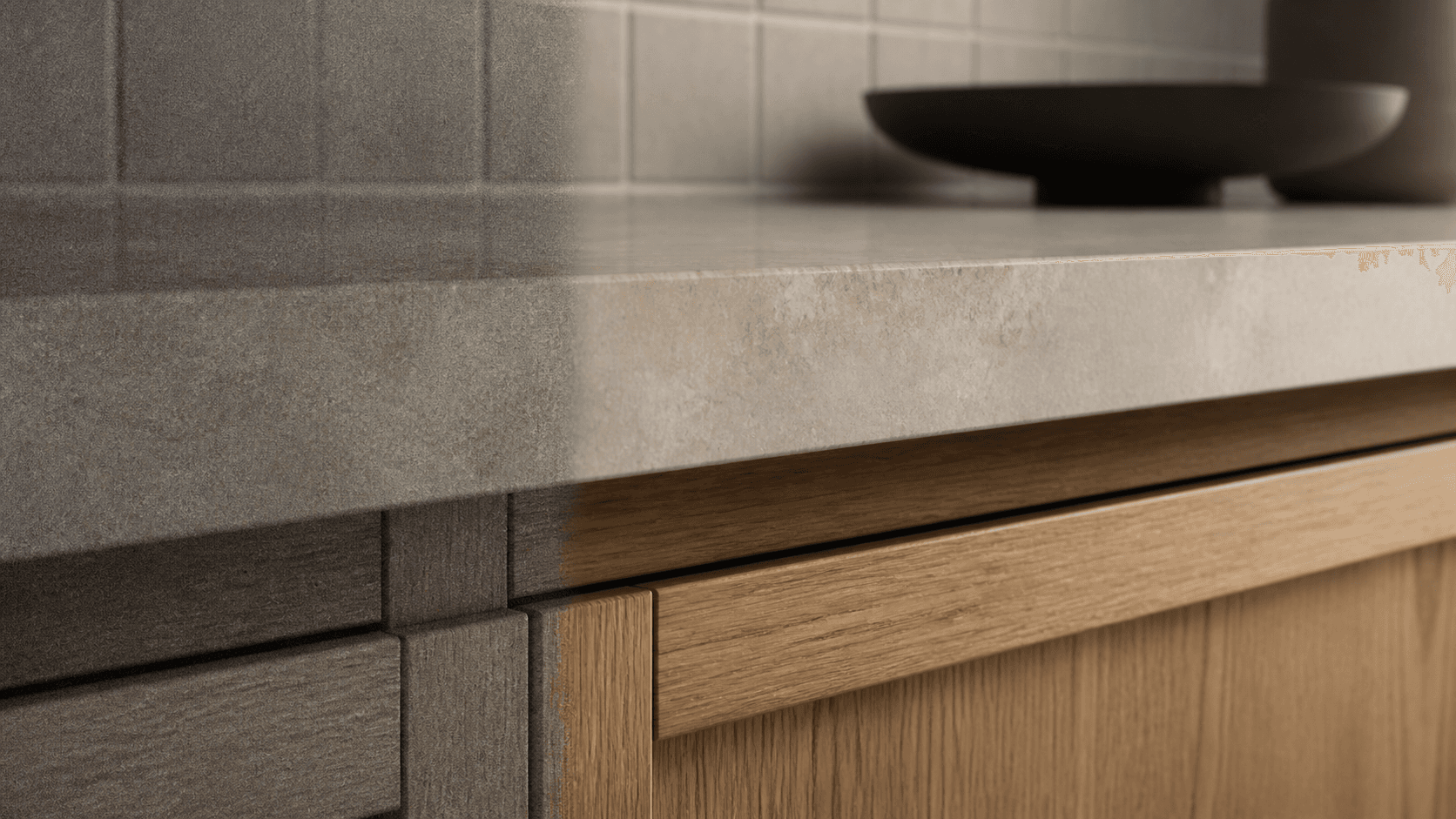
Two limits are in the file, not the dials. 2020 exports materials as flat photographs — the grain, grout and weave are painted on and catch no light, which is most of why a maxed-out render still reads as a picture of a kitchen rather than a kitchen. And one computer is one computer: the render occupies the machine you design on, so every quality step costs you working time.
Past that ceiling the path changes rather than the settings: export the project (one Save As — Flex already knows how) and render it in the cloud. RenderFactor renders the same model — every mesh exactly as 2020 wrote it — on server GPUs with full global illumination, real light fixtures with physical brightness and colour temperature, and finishes that keep your exported materials while adding the surface response the export couldn’t carry. Every camera renders at the same time, in seconds to minutes, while your laptop does nothing but design. The full picture is on the 2020 Design rendering guide.
Bring your next 2020 project.
Free for 14 days on your own kitchen: render it at every quality and hand a client a live link before you have paid anything. Cancel in one click.
Start free